
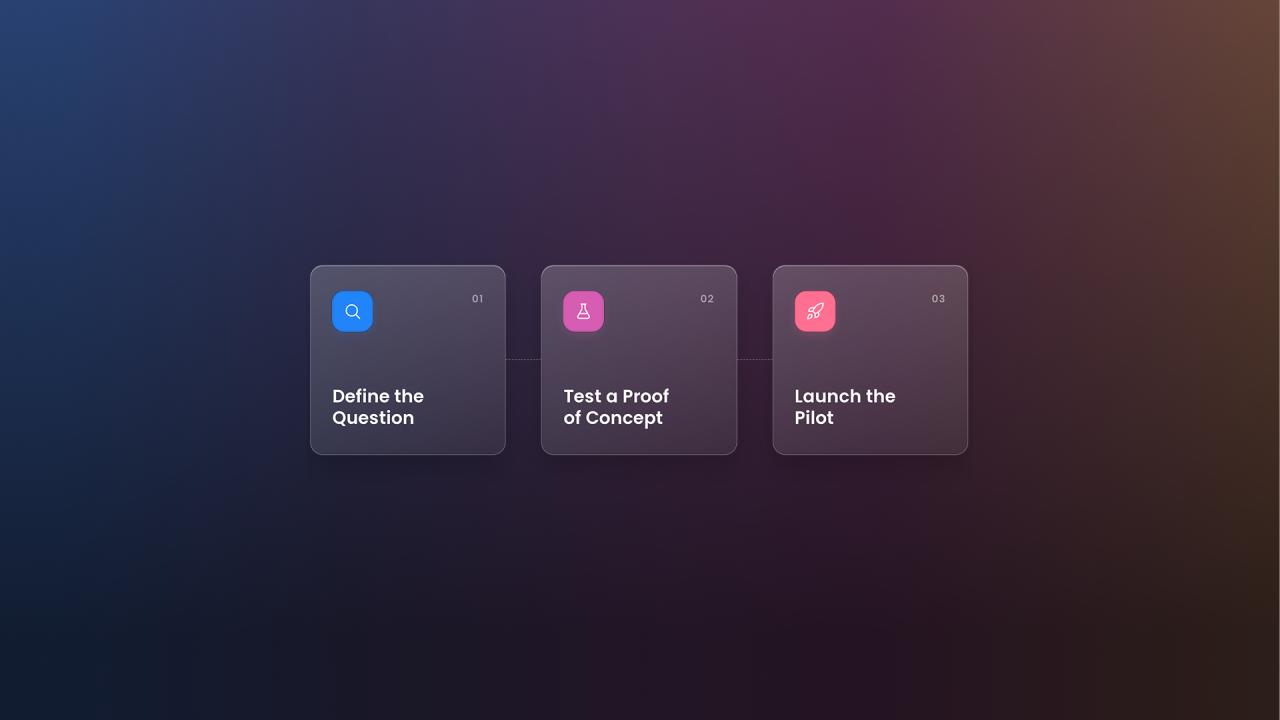
A computer vision pilot (also referred to as an agentic vision pilot) is a short, focused test that uses cameras and AI to answer one specific business question. The best pilots are small, time-boxed, and built around data you cannot easily collect any other way.
This article follows a real Viso Now customer through that process. The company makes automotive service equipment and had built an automated machine that is designed to finish its work cycle without an operator standing beside it. The team needed to know whether operators were actually using it that way.
Below are the seven steps the team followed, from defining the problem to choosing no-code computer vision over a full enterprise platform. The customer’s name has been left out, but the process and the reasoning are real.
1. Define the Real Question You Need Answered
The team’s automated machine was built to save labor. An operator loads the job, starts the cycle, and walks away to do something else. The productivity gain depends on that last step.
The product manager leading the project wanted to find out whether operators were really walking away. Some might stand and watch the full cycle, while others might hover and keep touching the machine because they did not yet trust the automation.
That gave the team a clear question with three possible answers:
- Walk away: the operator leaves the machine as intended.
- Passive presence: the operator stays nearby but does not interact.
- Active interference: the operator keeps interacting with or adjusting the machine.

The desired output was simple: what percentage of operators fall into each group? The team treated this as a product development and adoption question. The answer would shape future design decisions and show whether customers were getting the value they paid for.
Bring a new AI vision application to life.
2. Check Whether Computer Vision Is the Right Fit
Not every problem needs a camera. Before looking at vendors, it helps to test the idea against a few criteria.
| Question | This Customer’s Answer |
|---|---|
| Is the behavior visible on video? | Yes. Operator position relative to the machine is easy to see from above. |
| Is manual review too slow or costly? | Yes. Earlier webcam tests needed interns to watch hours of footage. |
| Do you need the answer at scale? | Yes. The team wanted data from many operators, first in-house and then at customer shops. |
| Would surveys or sensors work instead? | Not well. Operators may not accurately report hovering, and machine sensors cannot detect people. |
The second row was the deciding factor, as the team had already tried recording sessions with webcams. Reviewing that footage by hand took interns and co-op students many hours, and the process did not scale. Computer vision could do the same review consistently across every clip.
There was also a behavioral reason to measure this with video. Research on trust in automation shows that operators who distrust a system tend to check on it more often. One review in Frontiers in Psychology puts it this way:
“Mis-calibrated trust between humans and automation may lead to misuse or disuse of automation, each with their own set of consequences to safety and efficiency.”
On a shop floor, that distrust can show up as hovering. A camera can capture it objectively, without asking operators to describe their own habits.
3. Map Your AI Pilot Requirements Before Talking to Vendors
A clear list of requirements makes vendor calls shorter and more useful. This team came in with a well-defined scope:
- Duration: a pilot of roughly two to three months.
- Scope: one machine and the workspace immediately around it.
- Camera position: mounted above the workstation, with a full view of the operator, the machine, and the surrounding area.
- Recording trigger: capture footage only while the machine is running, to avoid storing hours of idle video.
- Rollout: test in-house first, then at a small number of customer repair shops.
- Output: percentages for each behavior group, available through a dashboard or an API.
Two items on that list stand out. The team did not need real-time alerts, nor did it need processing on-site. Short clips analyzed after the fact would answer the question just as well, and those two details changed which kind of tool made sense.
4. Recognize When an Enterprise Platform Is More Than You Need
The first option the team explored was Viso Suite, viso.ai’s enterprise platform. Viso Suite covers the full computer vision lifecycle. It supports data collection, custom model training, edge deployment on local hardware, and management of applications across many locations.
Those AI capabilities matter for a factory running live video on dozens of lines. For this pilot, they added cost and setup time without adding value. A local edge setup was hard to justify for a short test. The product manager expected it would not pass internal budget approval for this use case.
Many teams start with the largest platform on the shortlist. The better starting point is the list of pilot requirements from step three.
| Pilot Need | Enterprise Platform (Viso Suite) | No-Code Tool (Viso Now) |
|---|---|---|
| Real-time processing on live feeds | Built for it | Supported, but not required here |
| Custom AI model training | Full training pipeline | Not needed, uses a pre-trained model |
| Edge hardware on-site | Supported and common | Not required, runs in the cloud |
| Setup effort for a short pilot | Higher | Low |
| Pricing model | Enterprise agreement | Credit-based, with a free plan |
5. Choose a No-Code Computer Vision Tool That Fits the Pilot
The team moved to Viso Now, the no-code computer vision platform by viso.ai, where you describe what you want to detect in plain language, similar to other generative AI tools. Viso Now then builds a working vision agent from that description.
Several features lined up with the pilot requirements:
- No training or annotation. Viso Now uses a single pre-trained model that interprets scenes out of the box. The team did not have to label thousands of frames.
- Works with recorded video. Users can upload MP4 clips or connect to cloud storage. Cloud processing after the fact was exactly what the team needed.
- Dashboard and API output. Results appear in dashboards that track events, counts, and trends. The API lets the team send results into its own systems.
- Credit-based pricing. The team pays for what it processes. Viso Now pricing starts with a free plan, and paid plans add monthly credits.
The credit model was especially appealing. A short pilot with machine-triggered clips produces a predictable amount of video. That made cost easy to estimate before committing.
6. Set Up the Pilot: Camera, Clips, and Plain-Language Rules
Implementation was simple because the scope was small. Here is how the setup works for a pilot like this one.
Position the Camera
A single camera sits above the workstation. The overhead angle keeps the operator, the machine, and the floor space around it in one frame. It also reduces blind spots when the operator walks behind the machine.
Record Only When the Machine Runs
Recording starts when a machine cycle begins and stops when it ends. Each clip covers one cycle, which keeps storage low and makes every clip relevant to the question.
Run a Quick Proof of Concept First
A proof of concept comes before the pilot. It answers a narrower question: can the system detect these behaviors at all? A pilot then tests whether the results hold up across real operators, shifts, and sites over time. For this team, the proof of concept is a handful of sample videos from the machine, which the product manager agreed to share.
Running them through Viso Now shows whether the camera angle, lighting, and rules give the model a clear view. Because Viso Now needs no training data, the team can run this check without labeling any footage first. It is a small step that prevents a pilot built on unusable footage.

Validate With Sample Footage
Before the pilot starts, the product manager agreed to share sample videos from the machine. This lets both teams check that the camera angle and lighting gave the model a clear view. It is a small step that prevents weeks of unusable data.
Describe the Behaviors in Plain Language
In Viso Now, the team describes each behavior it wants to detect. For example, the rule might say to flag when a person leaves the work zone after the cycle starts, or when a person’s hands enter the machine area during a cycle. Viso Now builds the detection logic from those descriptions. The team can then adjust thresholds and zones before publishing.
Review Results in a Dashboard
Each processed clip adds to a running tally of walk-away, passive, and active sessions. The Viso Now documentation covers how to connect sources and send outputs through the API.
7. Track Quick Wins and Plan for the Long Term
The pilot is still running, so this section focuses on the value the team gets early and where it plans to go next. We will share measured results once the pilot ends.
Quick Wins
- No more manual footage review. Hours that interns spent watching video can go to other work.
- Consistent categorization. Every clip is judged against the same rules, which removes reviewer bias.
- A second use case from the same camera. During early conversations, the team realized the same camera could flag unsafe positioning. That includes hands or body parts near rotating components and moving arms.
That safety angle matters. According to OSHA, “moving machine parts have the potential to cause severe workplace injuries, such as crushed fingers or hands, amputations, burns, or blindness.” Knowing how often technicians put themselves in risky positions helps the team design safer machines and better training. For more on this topic, see our guide to detecting unsafe equipment operation.
Long-Term Goals
If the pilot succeeds, the team plans to expand in several directions:
- Workflow compliance: checking whether operators follow the intended steps across more types of shop equipment.
- Throughput analysis: tracking how technicians move between several machines to find the most productive shop layouts.
- Product decisions: using behavior data to guide future design choices and operator onboarding.
- Manufacturing use cases: applying the same approach inside the company’s own production facilities.
Some of these goals may eventually need live monitoring across many sites. At that point, a move to an enterprise platform could make sense. Starting small means the team will make that decision with real data in hand.
Start Your Own Computer Vision Pilot
This customer’s path is a useful template. Define one measurable question. Confirm that video is the best way to answer it. Then pick the lightest artificial intelligence tool that meets your requirements.

For many product and operations teams, that means starting with no-code computer vision and scaling up later. You can try Viso Now for free and build your first vision agent from a short clip. To see how computer vision is used across the industry, read our article on computer vision in automotive.
Key Takeaways
- Start with a single question that has a measurable answer.
- Computer vision fits best when the answer is visible on camera and manual review is too slow.
- Match the tool to the pilot. Real-time edge systems are often more than a short test needs.
- No-code tools let product teams run a pilot without data science staff or model training.
Further learning
From Pilot to Production, our webinar on taking a computer vision project from a small pilot to a full production rollout.